
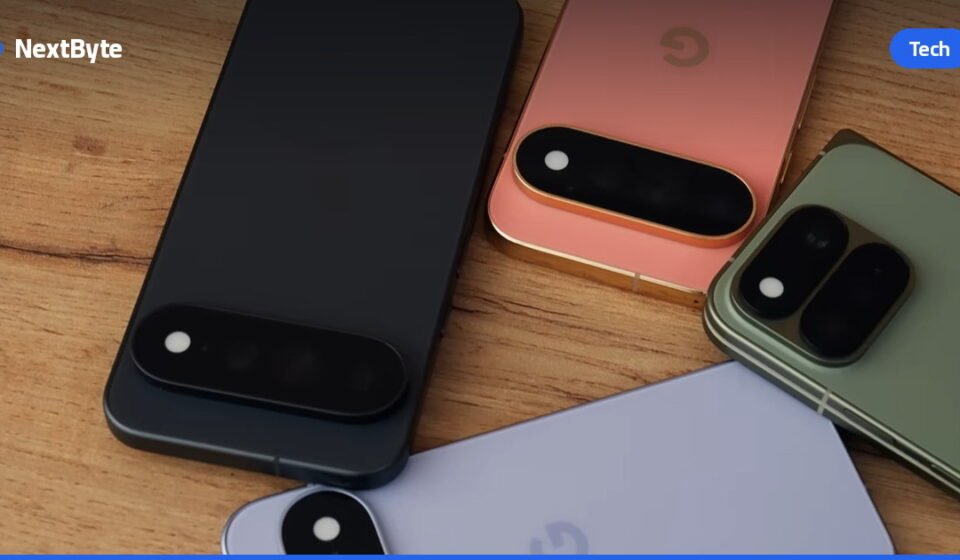

A secure Android phone starts with understanding the built-in protections available to you. According to a 2025 study by the Pew Research Center, nearly 75% of Americans have experienced some form of online scam, and these attacks are growing more sophisticated. Android offers multiple layers of defense—from AI-powered scam detection to advanced theft recovery—but only if you take the time to enable and configure them properly. Here’s how to harden your secure Android phone against modern threats.
Keep your system and apps up to date
The foundation of any secure Android phone is staying current with updates. Open your phone’s Settings app and tap About Phone to check your Android version, security settings, and build number. Android sends notifications when OS updates arrive; tap the notification and follow the prompts to install right away. If you miss it, go to Settings > System > Software Updates. A checkmark means you’re fully updated; a yellow arrow signals an available update.

For apps, open Google Play, tap your profile picture, and go to Settings > Network preferences > Auto-update apps. You can choose to update over Wi-Fi only or on mobile data, depending on your data plan. To check for updates manually, tap your profile picture in Google Play, select Manage apps and device, and hit Update all. Some updates may request new privacy permissions—review these carefully before confirming.
Enable two-factor authentication and backup
Your Google account is the gateway to everything on your phone, so protect it with two-factor authentication. Visit your Google Account management page, select Security & sign-in, and under How you sign in to Google, hit 2-Step Verification. Walk through the setup steps to add a secondary verification method.
Next, enable automatic backup: go to Settings, tap Google, and select Backup. If this is your first time, follow the prompts. Otherwise, navigate to Manage backup to adjust your data settings and enable automatic backups. With a backup in place, you won’t lose critical data if your device is stolen or lost. In a related development, CISA Warns of Critical Gitea Vulnerability Exploited in Code Injection Attacks highlighted how attackers exploit code injection vulnerabilities, underscoring the importance of keeping your device current and backed up.
Use Find Hub and scam detection tools
Android’s Find Hub app is automatically enabled but requires a few steps to work properly. Turn on location permissions by visiting Settings > Location > Use location. Then go to Settings > Security > Find Hub and confirm Allow device to be located is enabled. You can locate your device anytime by visiting Google’s Find Hub website in any browser.
For incoming threats, enable Scam Detection in the Phone app: tap the Menu icon, choose Settings, and toggle Scam Detection active. This feature uses AI to detect suspicious conversational patterns in job offer and romance scams, alerting you with beeps and notifications. Currently available on Google Pixel phones, it’s coming to other devices including the Samsung Galaxy S26. Your secure Android phone also warns you about suspicious text messages through on-device AI that runs entirely on your device—no data is sent to external servers. This protection is on by default for messages from non-contacts. As covered earlier, NovaCookies Phishing Toolkit Exploits DocuSign to Hijack Microsoft 365 Sessions showed how attackers exploit messaging platforms, making these built-in protections increasingly vital.
Control app permissions carefully
Define how applications access your personal data by opening Settings, tapping Apps, selecting your desired application, and choosing Permissions. Here you can customize privacy settings for camera, location, microphone, and other sensitive features. For a broader view, open Settings > Security & Privacy > Privacy > Permission manager to see all permissions organized by type rather than per-app. This gives you a clearer picture of which apps have access to what on your secure Android phone.
المصدر: Engadget